Input widgets
With widgets, Streamlit allows you to bake interactivity directly into your apps with buttons, sliders, text inputs, and more.
Button elements
Button
Display a button widget.
clicked = st.button("Click me")
Download button
Display a download button widget.
st.download_button("Download file", file)
Form button
Display a form submit button. For use with st.form.
st.form_submit_button("Sign up")
Link button
Display a link button.
st.link_button("Go to gallery", url)
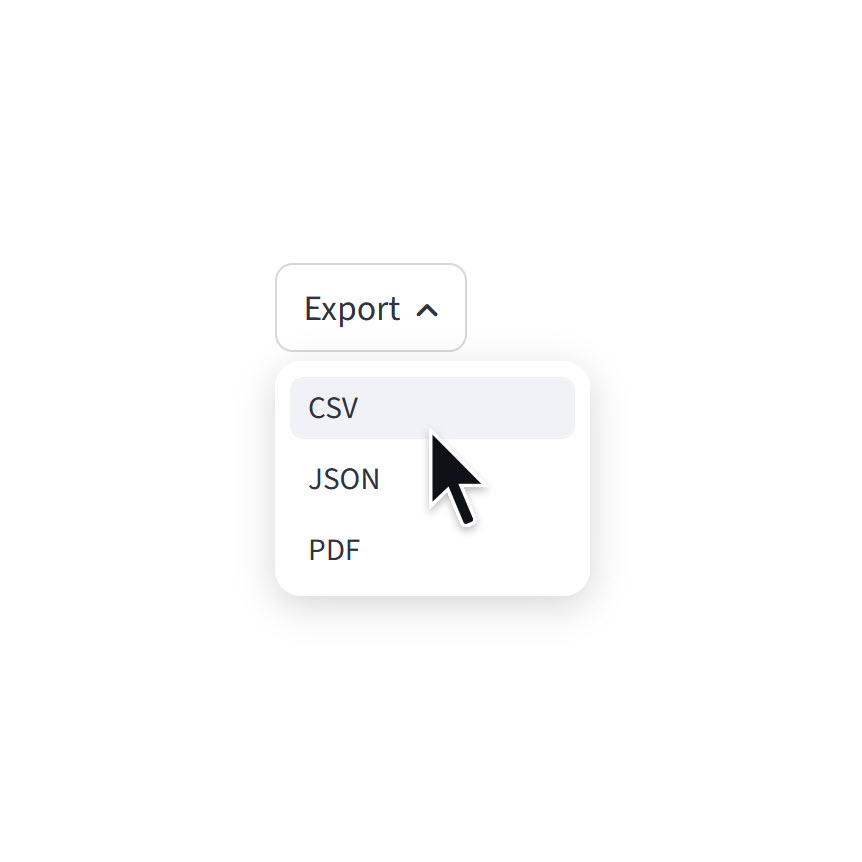
Menu button
Display a menu button.
st.menu_button("Export", options=["CSV", "JSON", "PDF"])
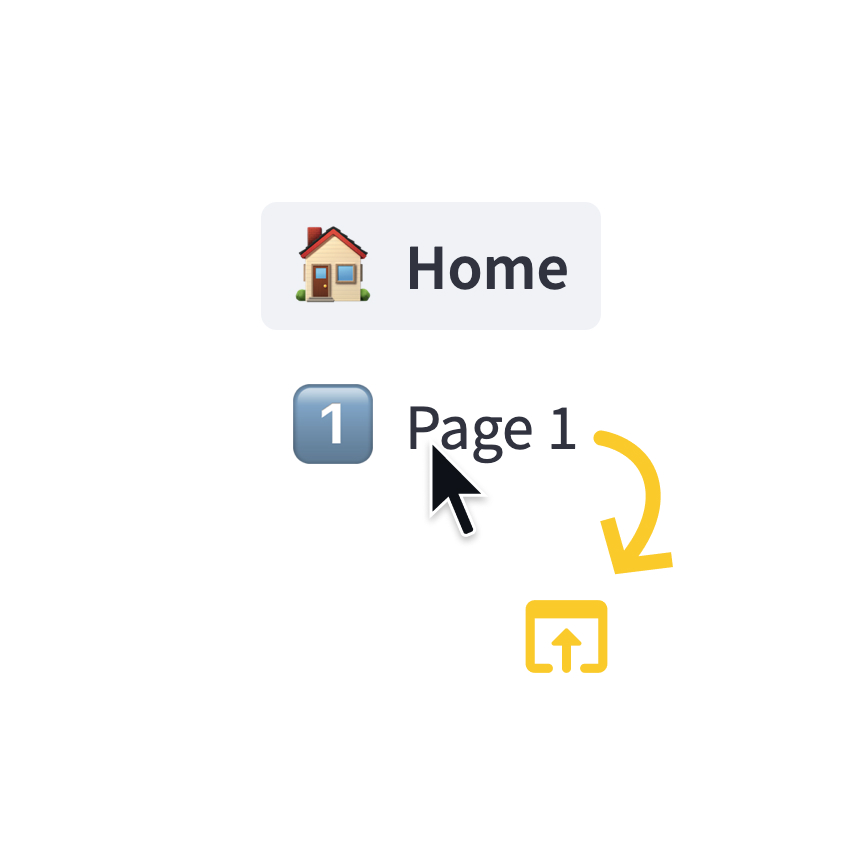
Page link
Display a link to another page in a multipage app.
st.page_link("app.py", label="Home", icon="🏠")
st.page_link("pages/profile.py", label="My profile")
Selection elements
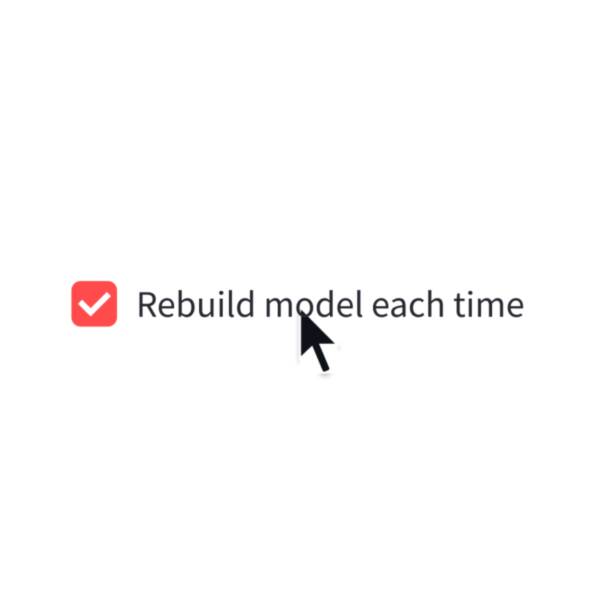
Checkbox
Display a checkbox widget.
selected = st.checkbox("I agree")
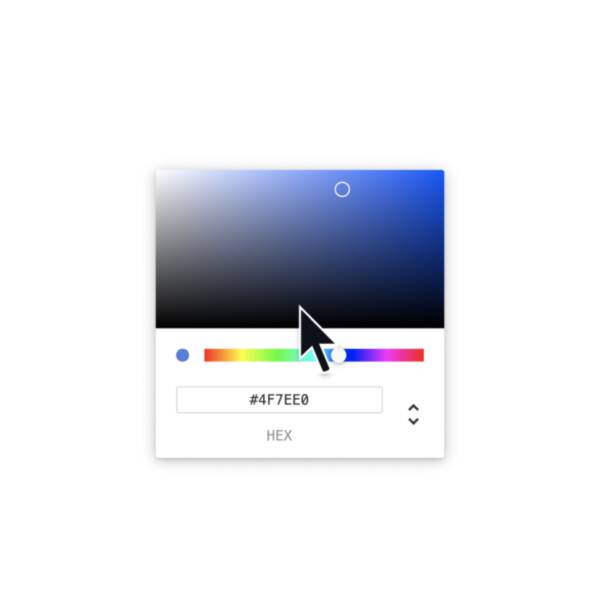
Color picker
Display a color picker widget.
color = st.color_picker("Pick a color")
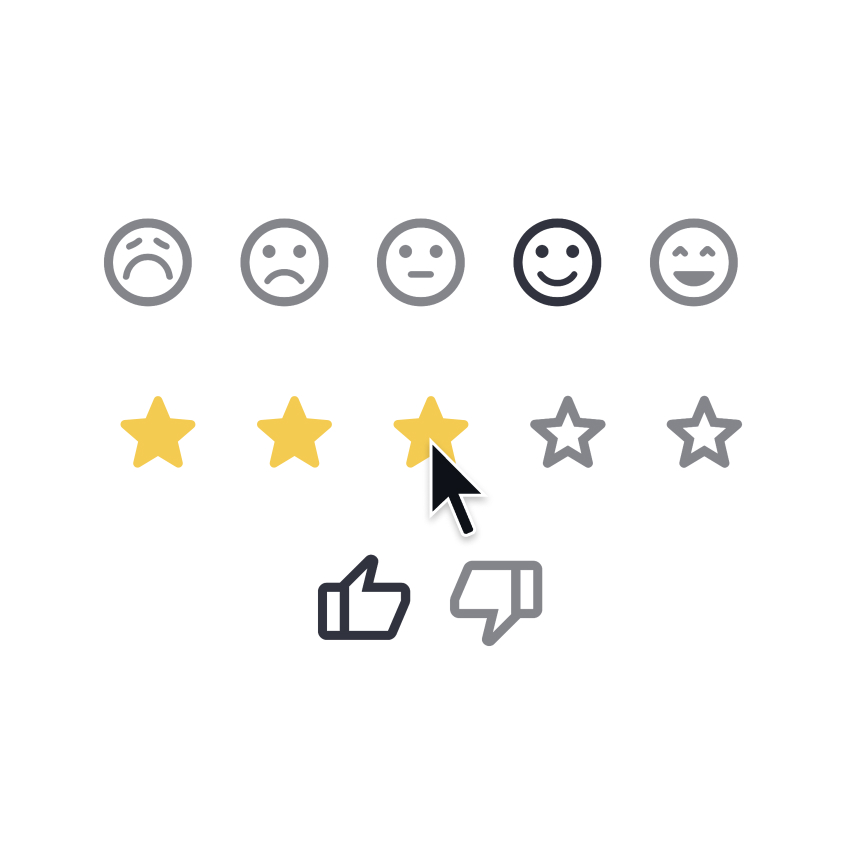
Feedback
Display a rating or sentiment button group.
st.feedback("stars")
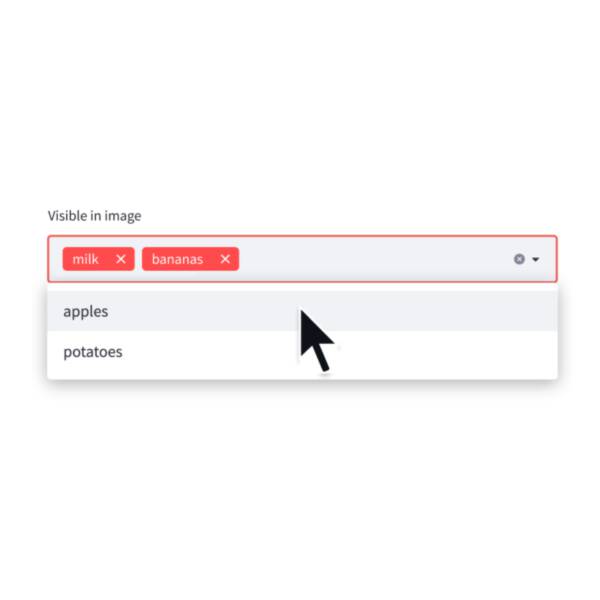
Multiselect
Display a multiselect widget. The multiselect widget starts as empty.
choices = st.multiselect("Buy", ["milk", "apples", "potatoes"])
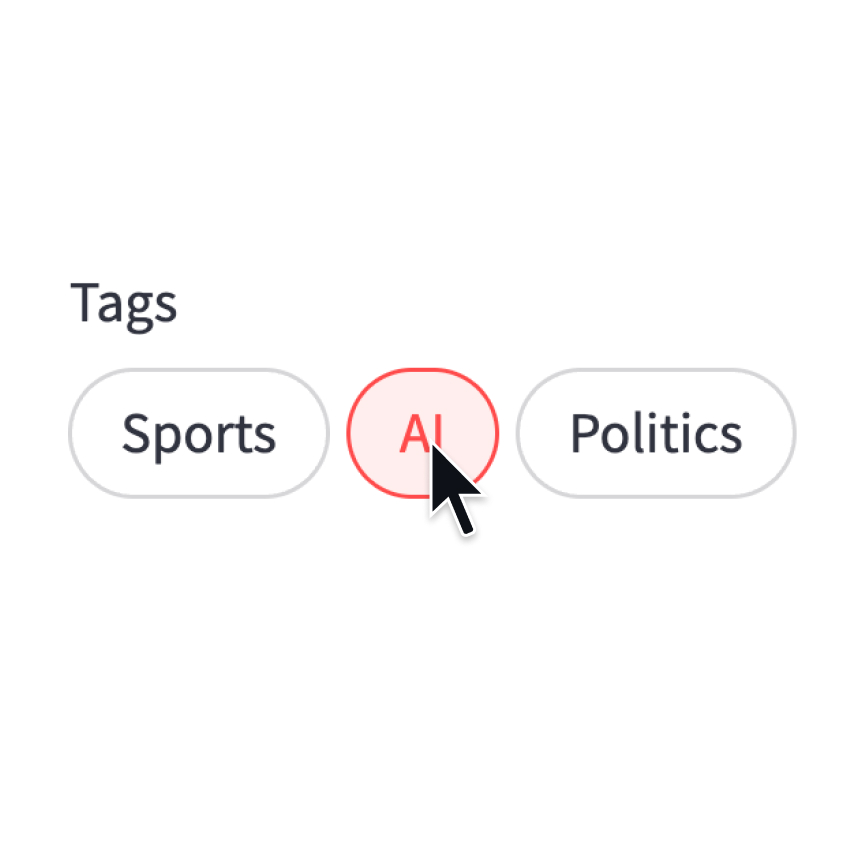
Pills
Display a pill-button selection widget.
st.pills("Tags", ["Sports", "AI", "Politics"])
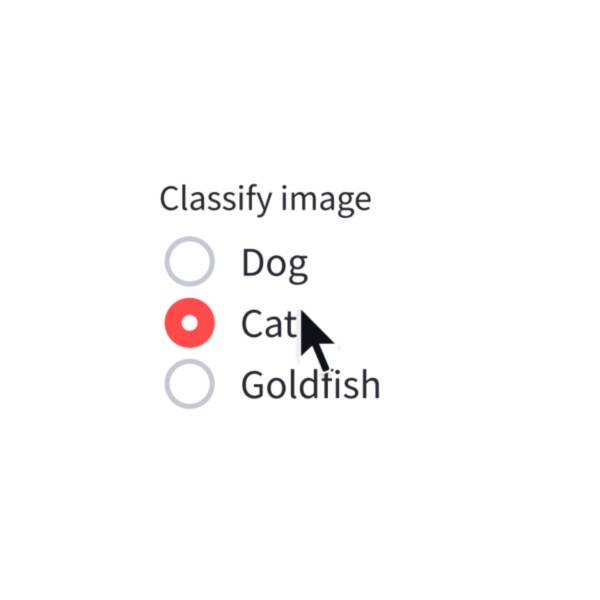
Radio
Display a radio button widget.
choice = st.radio("Pick one", ["cats", "dogs"])
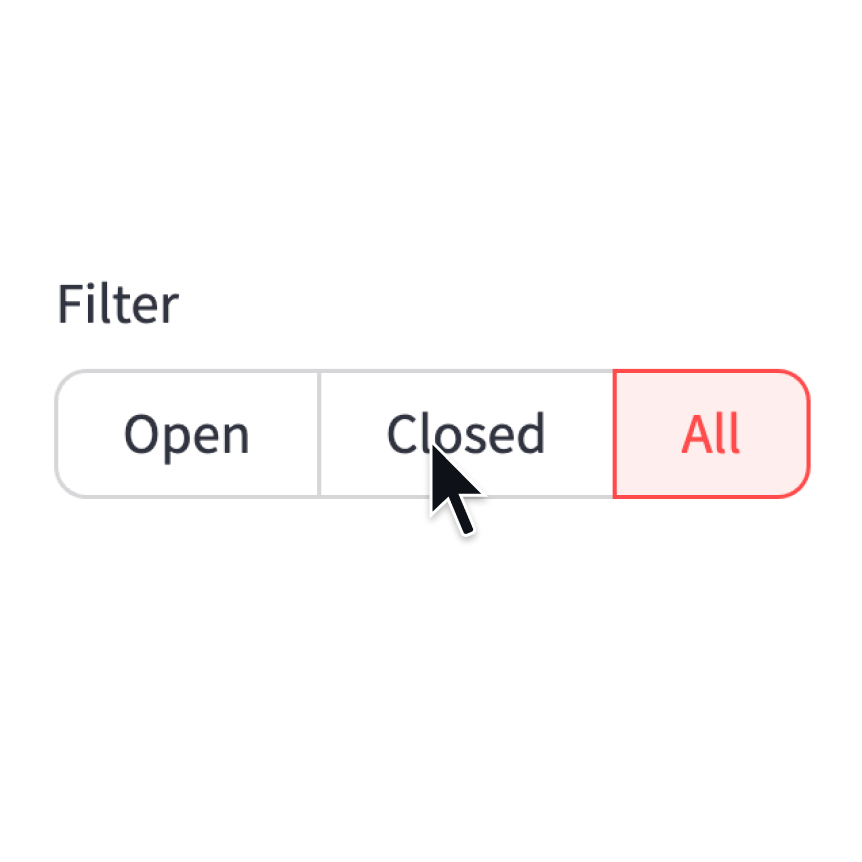
Segmented control
Display a segmented-button selection widget.
st.segmented_control("Filter", ["Open", "Closed", "All"])
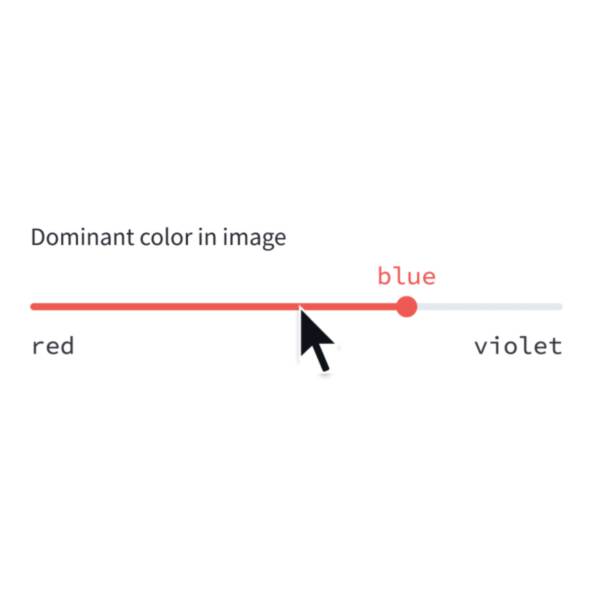
Select slider
Display a slider widget to select items from a list.
size = st.select_slider("Pick a size", ["S", "M", "L"])
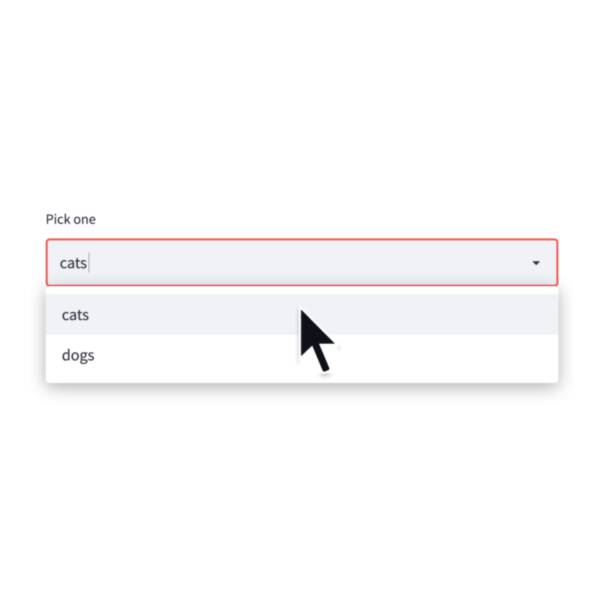
Selectbox
Display a select widget.
choice = st.selectbox("Pick one", ["cats", "dogs"])
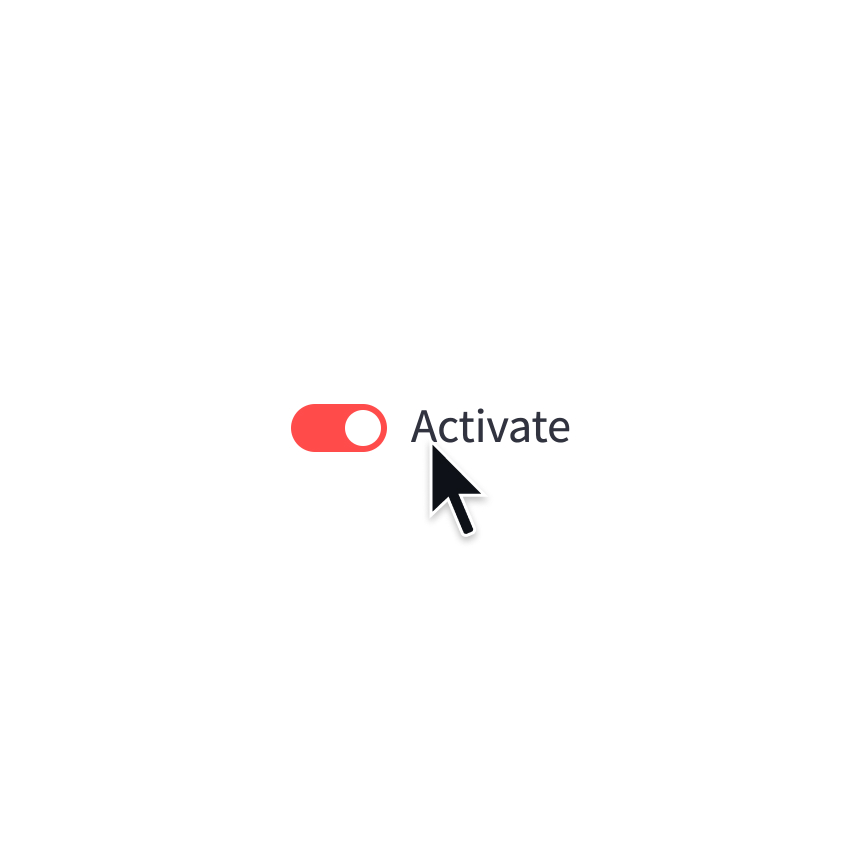
Toggle
Display a toggle widget.
activated = st.toggle("Activate")
Numeric input elements
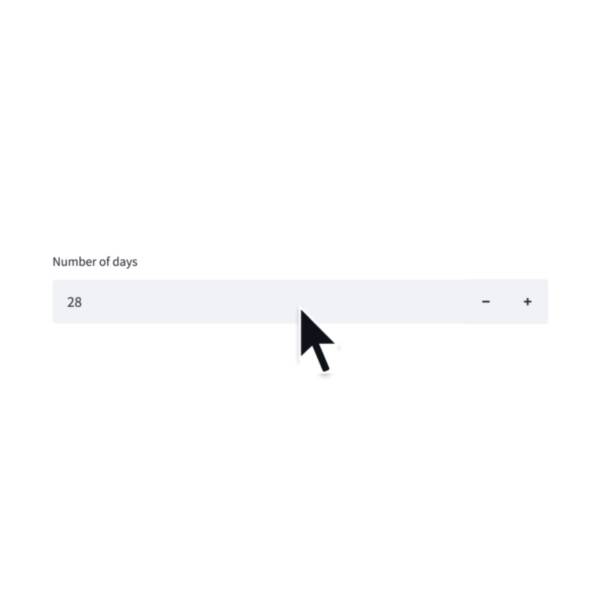
Number input
Display a numeric input widget.
choice = st.number_input("Pick a number", 0, 10)
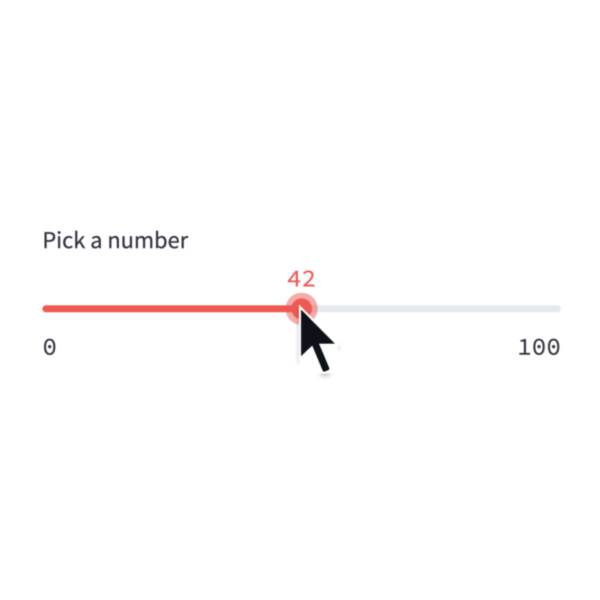
Slider
Display a slider widget.
number = st.slider("Pick a number", 0, 100)
Date and time input elements
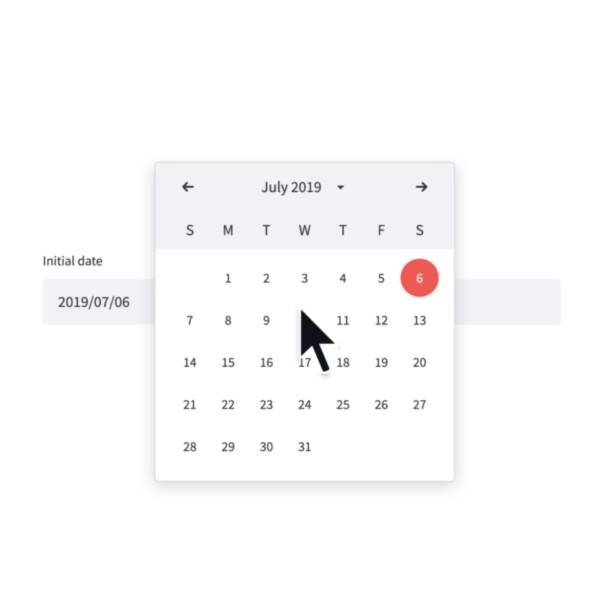
Date input
Display a date input widget.
date = st.date_input("Your birthday")
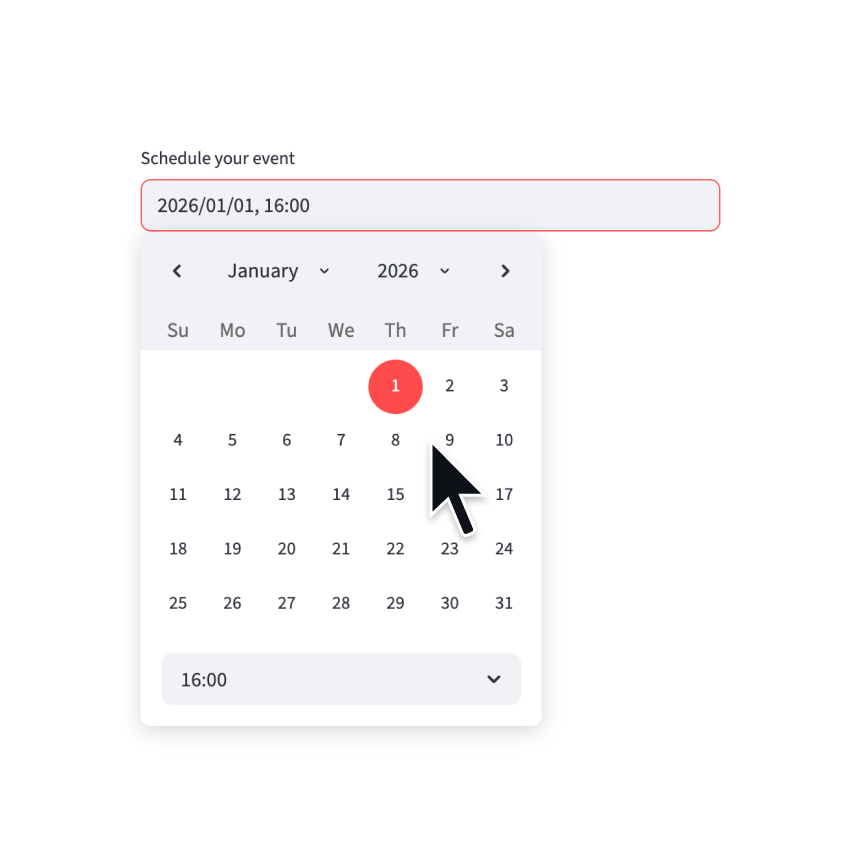
Datetime input
Display a datetime input widget.
datetime = st.datetime_input("Schedule your event")
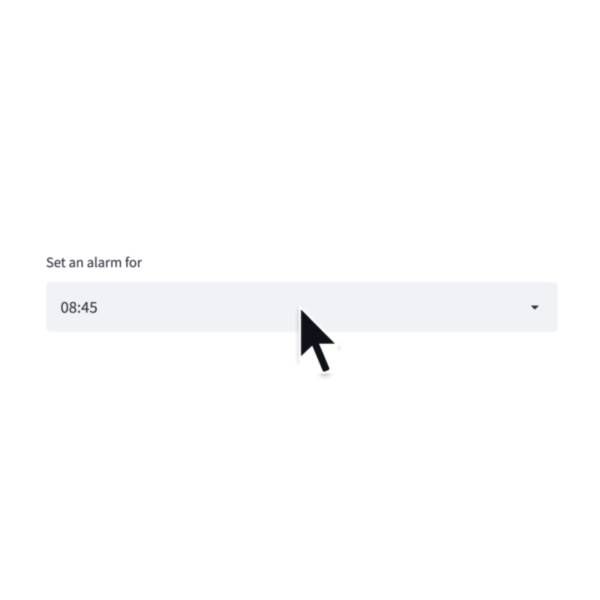
Time input
Display a time input widget.
time = st.time_input("Meeting time")
Text input elements
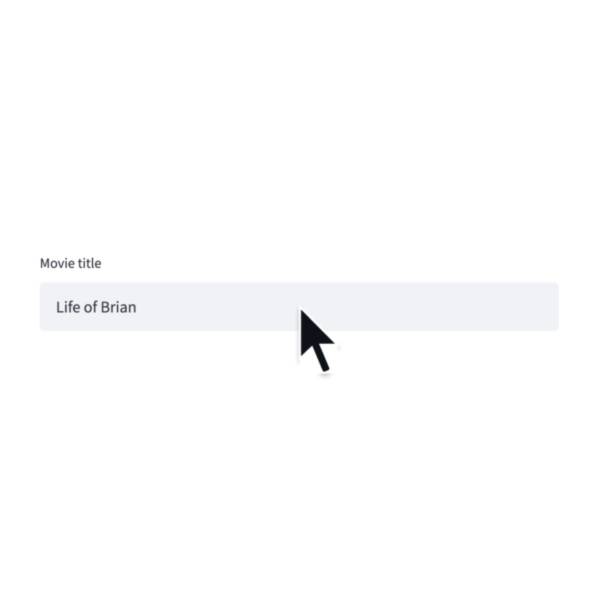
Text input
Display a single-line text input widget.
name = st.text_input("First name")
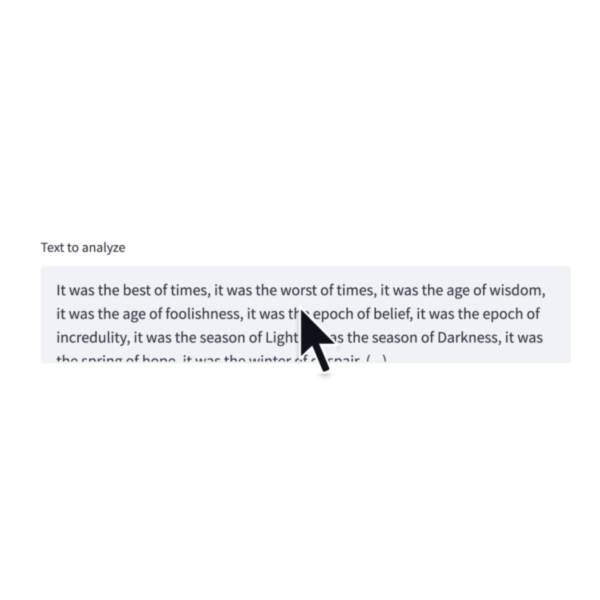
Text area
Display a multi-line text input widget.
text = st.text_area("Text to translate")
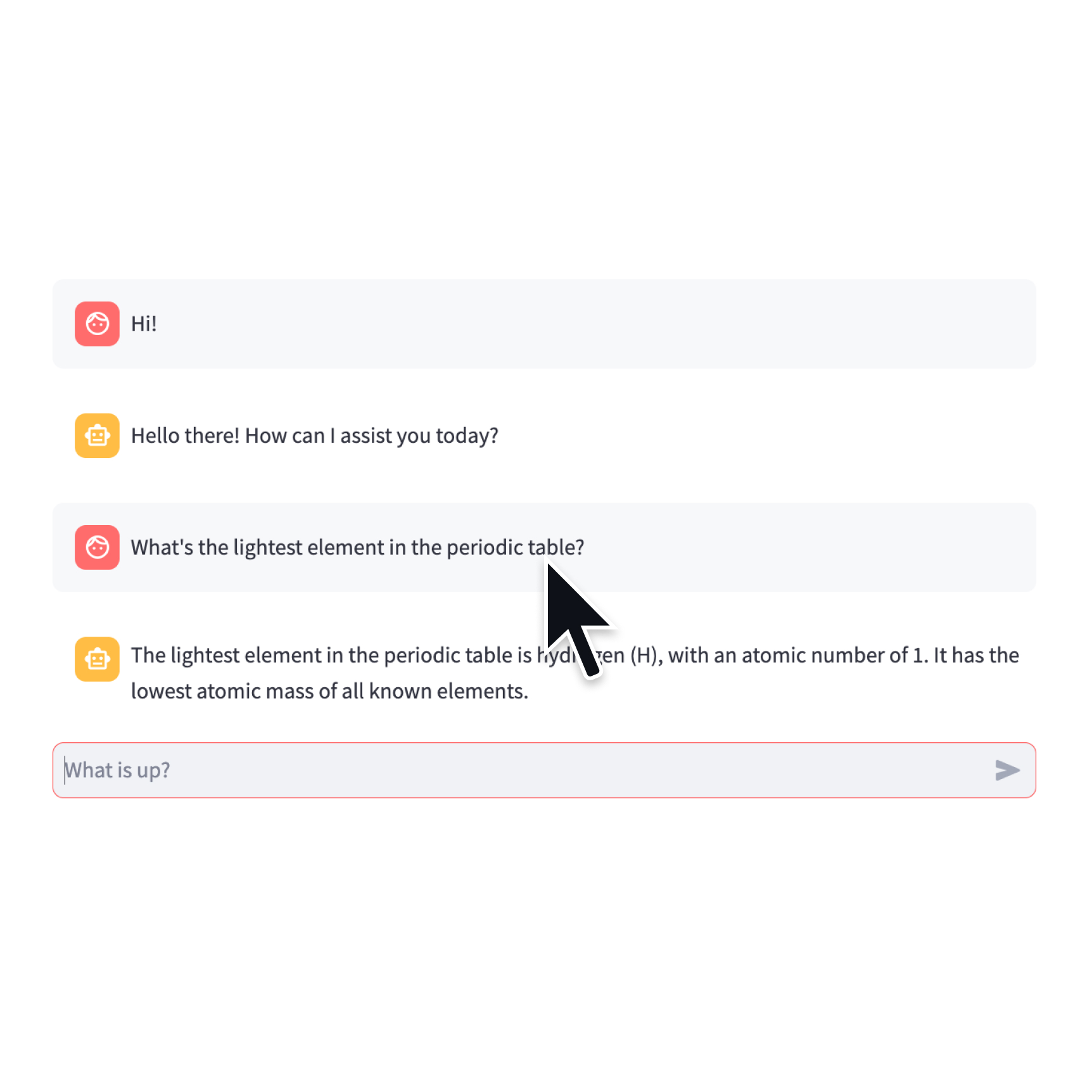
Chat input
Display a chat input widget.
prompt = st.chat_input("Say something")
if prompt:
    st.write(f"The user has sent: {prompt}")
Other input elements
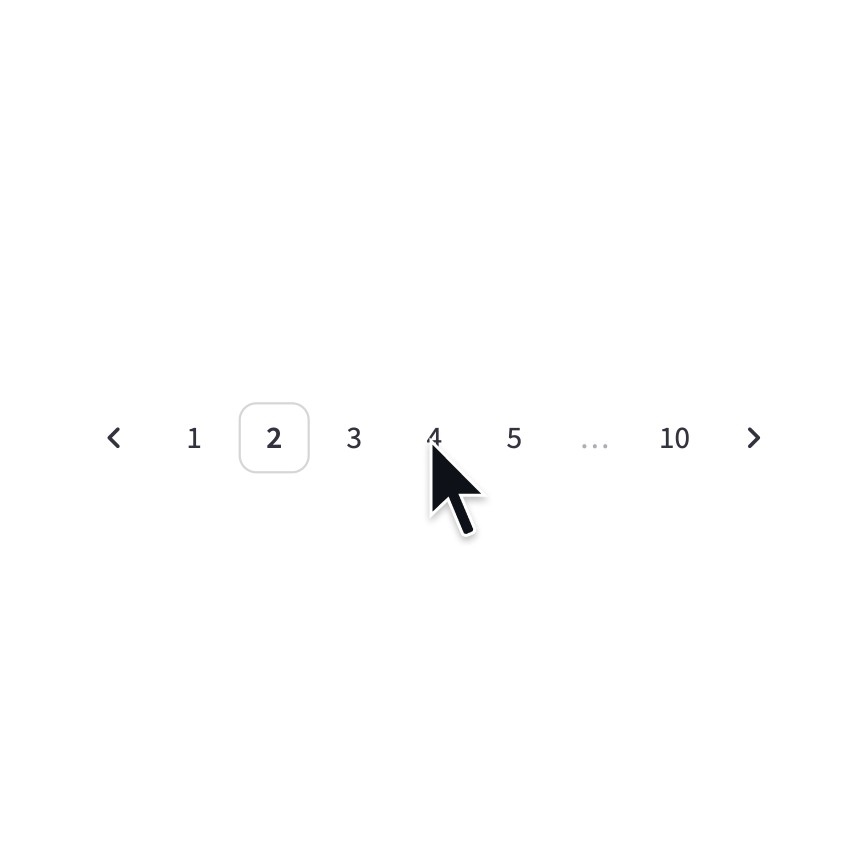
Pagination
Display a pagination widget.
page = st.pagination(10)
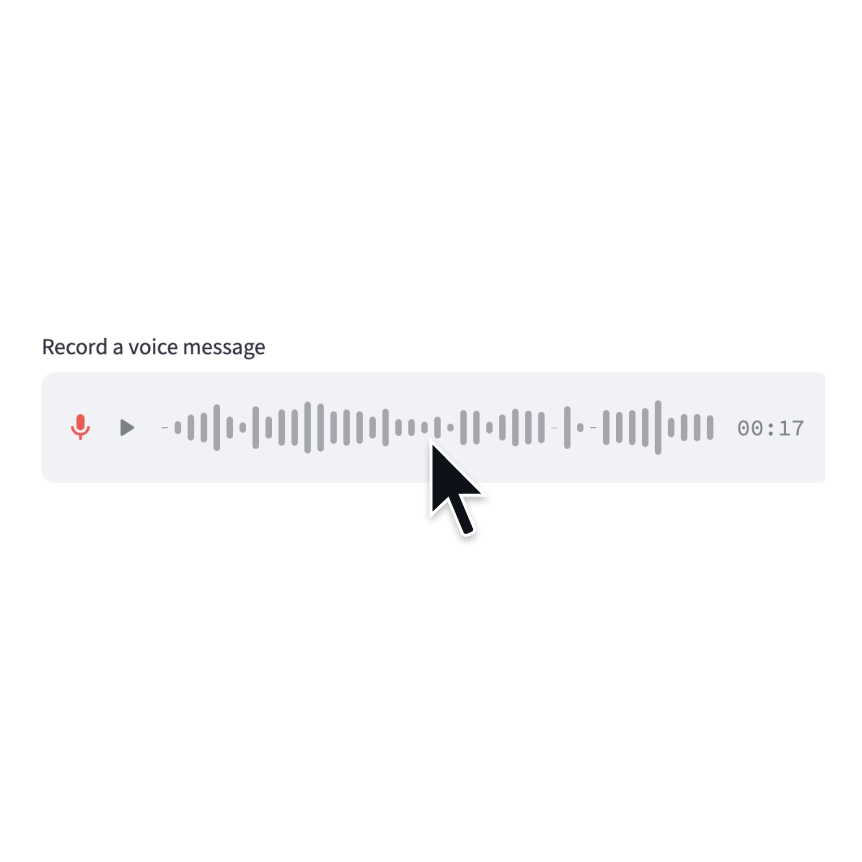
Audio input
Display a widget that allows users to record with their microphone.
speech = st.audio_input("Record a voice message")
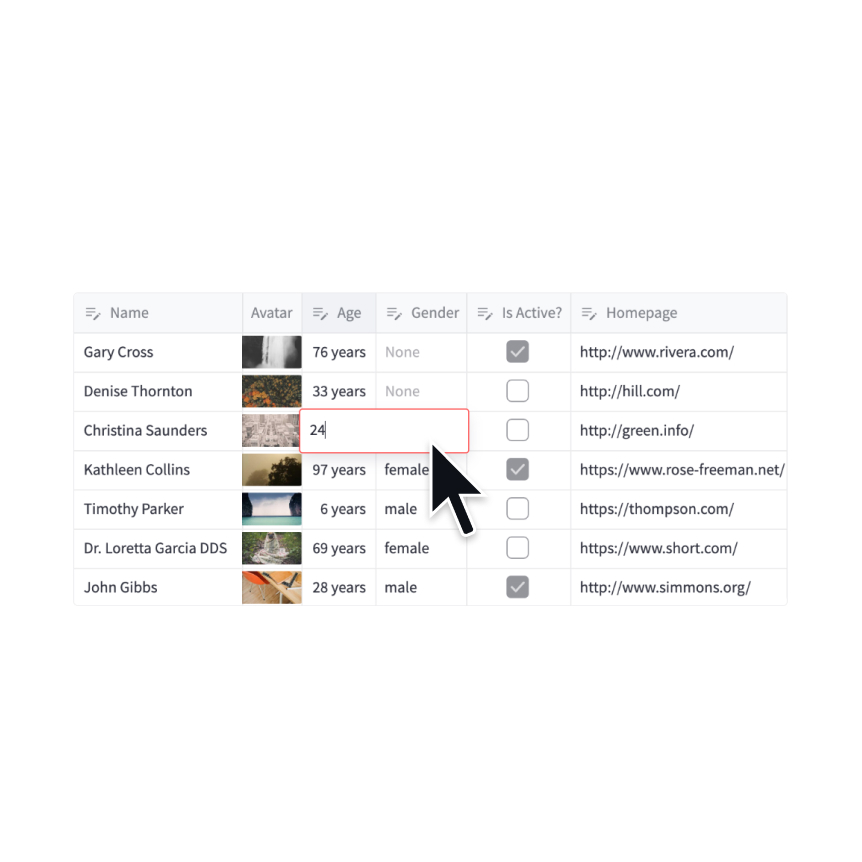
Data editor
Display a data editor widget.
edited = st.data_editor(df, num_rows="dynamic")
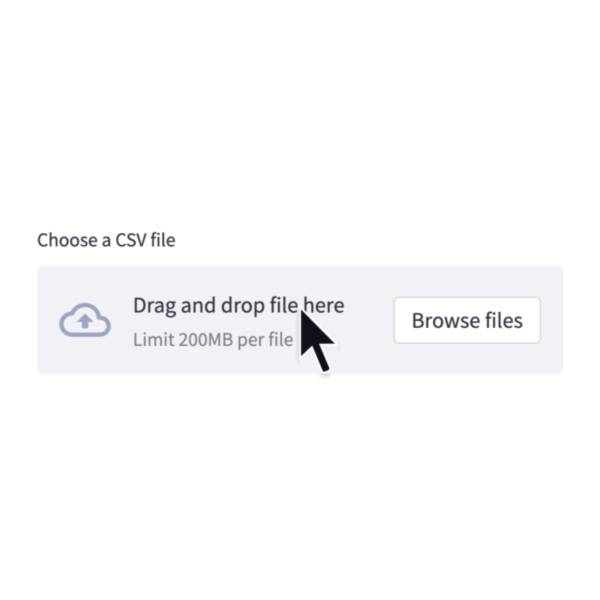
File uploader
Display a file uploader widget.
data = st.file_uploader("Upload a CSV")

Camera input
Display a widget that allows users to upload images directly from a camera.
image = st.camera_input("Take a picture")
Still have questions?
Our forums are full of helpful information and Streamlit experts.